Drawn from the numbers
Every coordinate is an expression with a unit. Change a width and the drawing redraws, the dimensions restate themselves, and the DXF you export is the drawing the sheet computed.
Everything it drawsCalculation documents for engineers
Write the mathematics the way you would by hand. Sheaf evaluates it as you type, checks every unit dimensionally, draws the figure from the numbers, and prints a calc sheet somebody can sign — or describe the check in plain words and it writes the sheet for you.
Three things, in the order they happen: the units are checked before anything is computed, everything downstream re-inks when an input moves, and the check gives its verdict.
01
Type kN·m where the standard says kN·m. Sheaf checks the dimensions, not your spelling — and it refuses the line rather than returning a wrong number.
LOOP-01
Animation off — showing the result.
02
Every result downstream re-inks. Nothing is recalculated by hand and nothing goes stale without saying so.
LOOP-03
Animation off — showing the result.
03
η ≤ 1.0, and the chip says so. A check that is mid-flight holds its last verdict rather than flickering.
LOOP-09
Animation off — showing the result.
A figure is geometry bound to the sheet's variables. A table is a grid of expressions that carries units. A program is a branch you can read. All three are regions of the same document, and all three print.
Every coordinate is an expression with a unit. Change a width and the drawing redraws, the dimensions restate themselves, and the DXF you export is the drawing the sheet computed.
Everything it drawsUtilisation at every segment end
Every cell is an expression, every column carries a unit, and a utilisation column checks itself. Addresses and ranges as in a spreadsheet, without the spreadsheet.
Everything a table doesHow the section is designed. Reports 'Increase section' when compression steel is required but not permitted.
A branch is a branch, written in the sheet rather than buried in a formula bar. This one decides how a section is reinforced, and the sheet calls it like any other function.
Programs, solve blocks and checksSay what you are checking in plain words. The Assistant writes the sheet — definitions, units, checks, a figure, a table — evaluates it, and shows you what it computed. You edit it like anything else you typed, and it can extend or fill a sheet you are already writing.
Animation off — showing the result.
4 documents from this repository's own fixtures, evaluated by the same engine the app runs and printed by the same page model. Not screenshots: a capture goes stale the first time a control moves.
Collapsible Post — Plastic Hinge Check
EN 1999-1-1 · EN 795
Inputs
Section — EN AW-6082 T6
Checks
Utilisation at every segment end
Midspan B — sagging
Checks
Two people can type into the same sheet at once. A comment anchors to a region, a version is a named snapshot with a diff that knows which numbers moved, an issued revision stops moving, and a published page is a link anyone can read.
Live from the first line: two carets in one region, every keystroke merged per character, and every result recomputed on both machines.
LOOP-14
Animation off — showing the result.
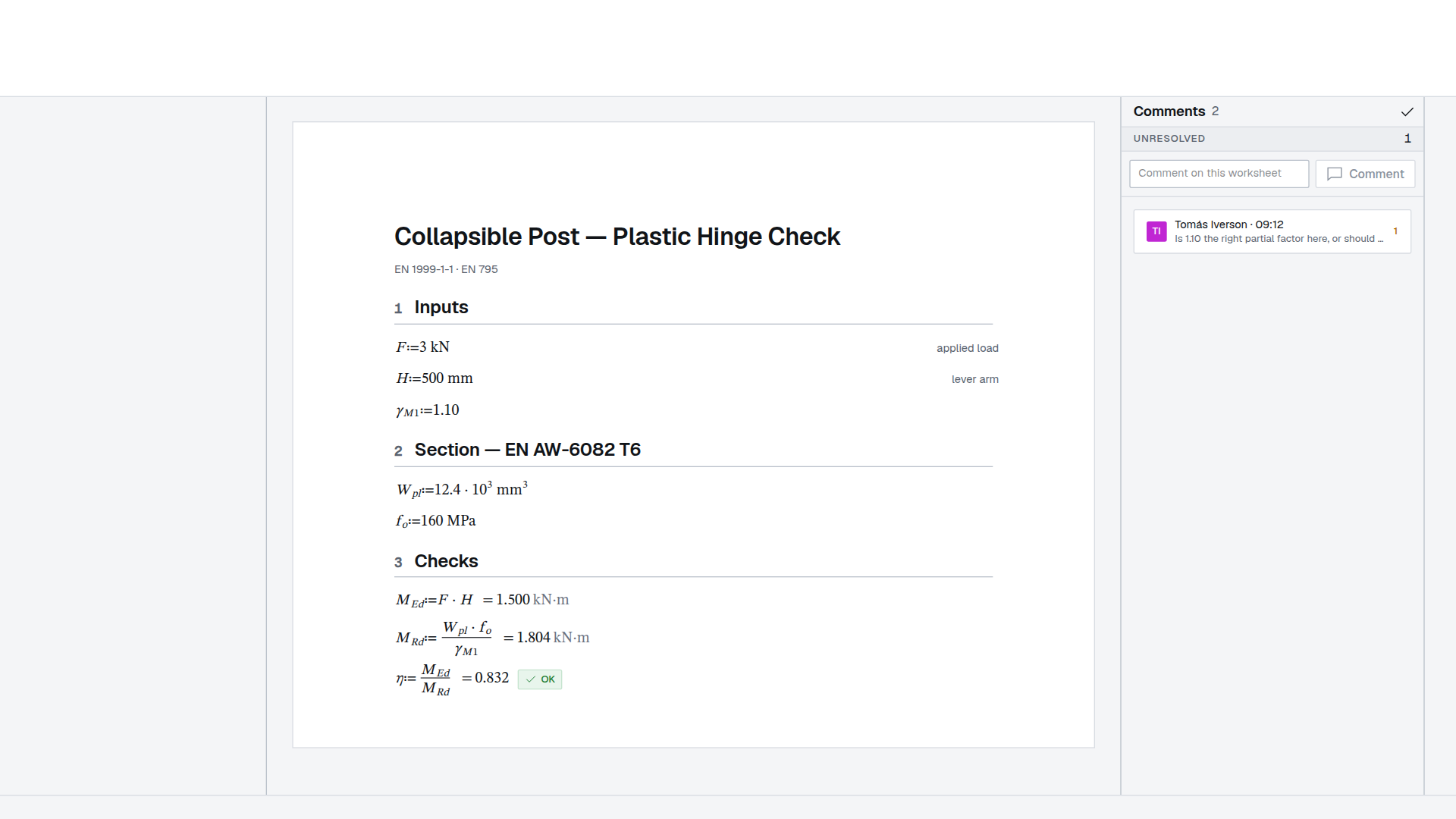
Anchored to a region, with mentions, resolved in place.
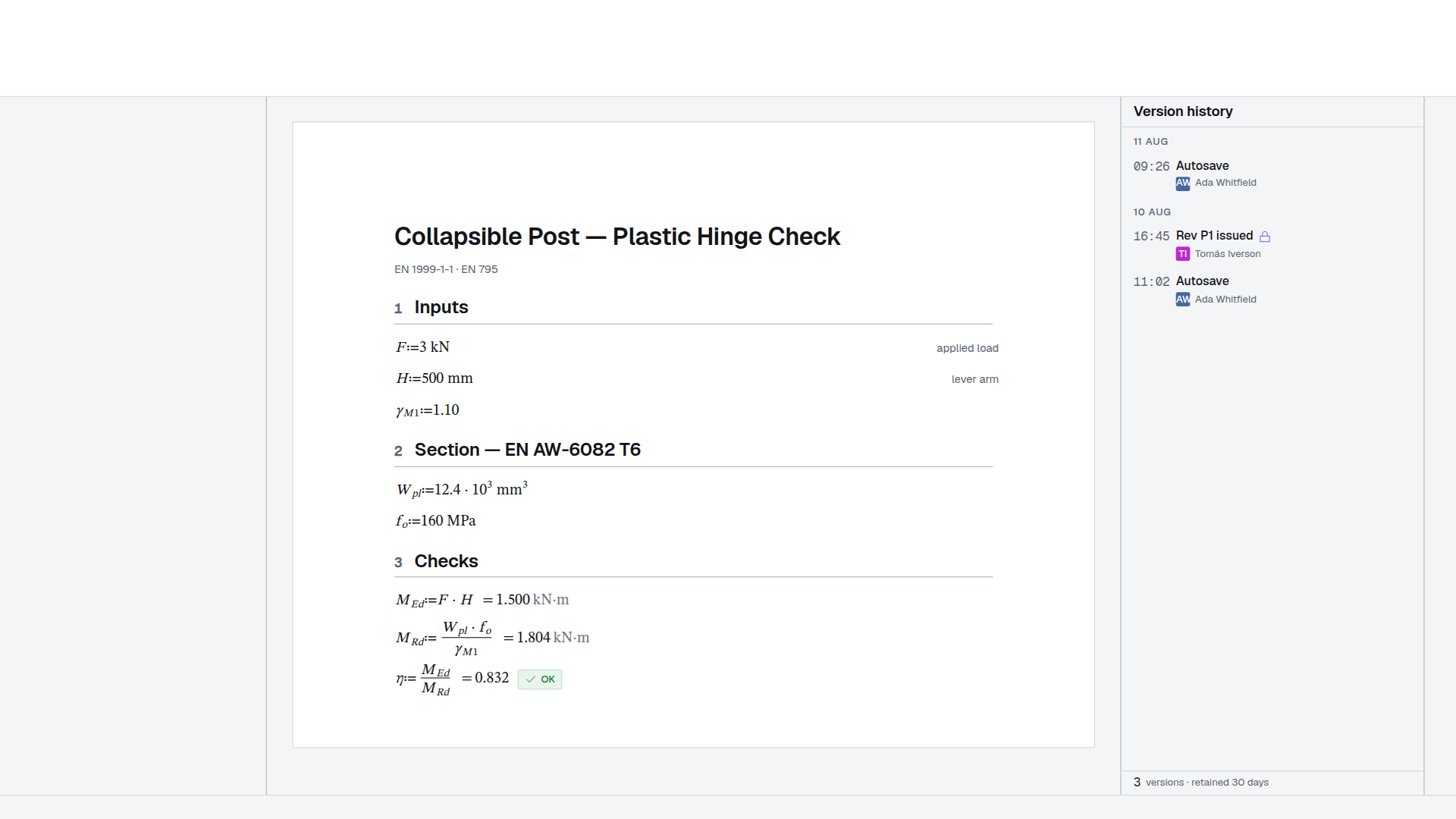
A named snapshot, and a calc-aware diff: added, removed, value changed.
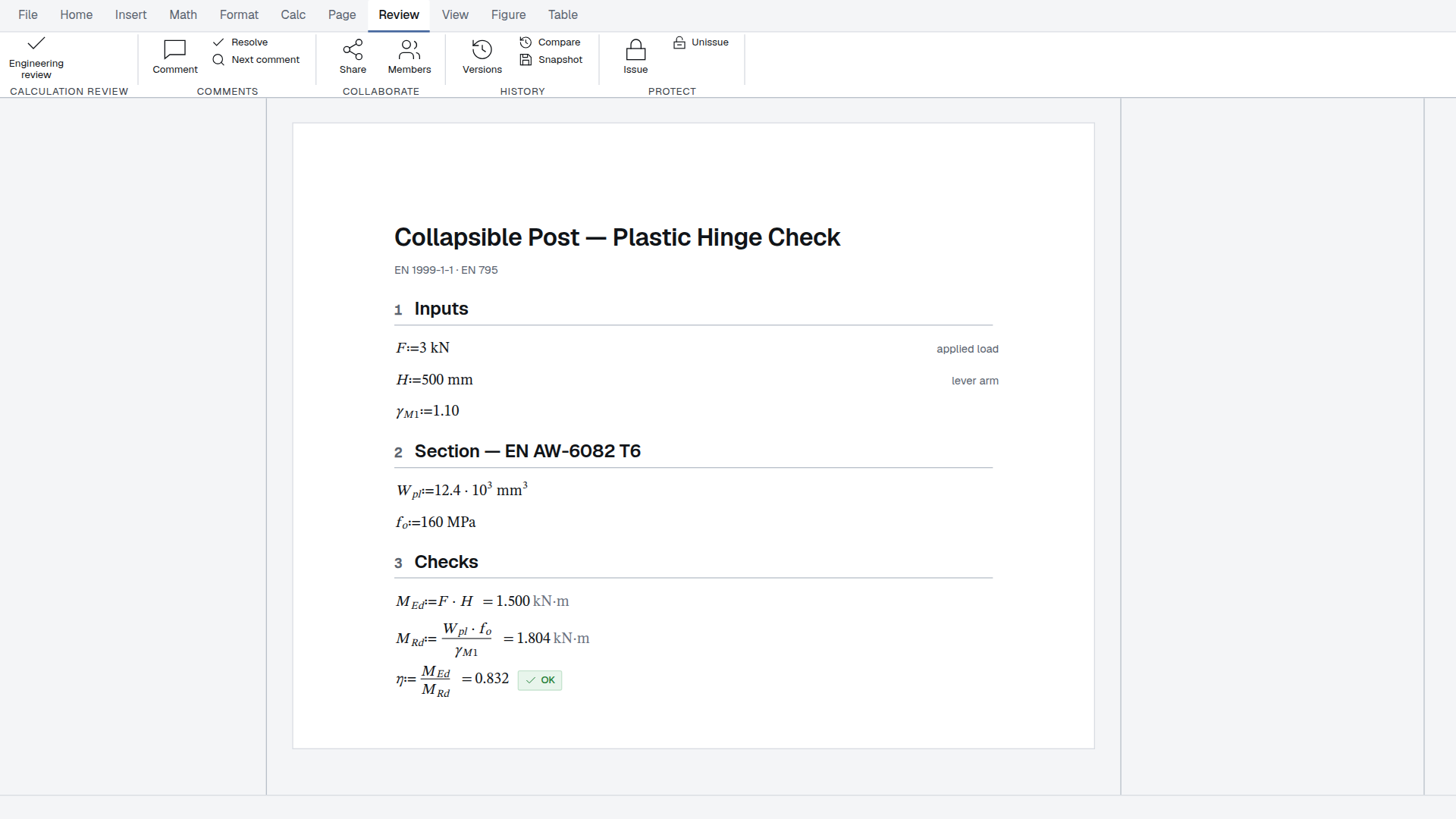
An issued revision is locked in the database and on the wire, and its stamp prints.
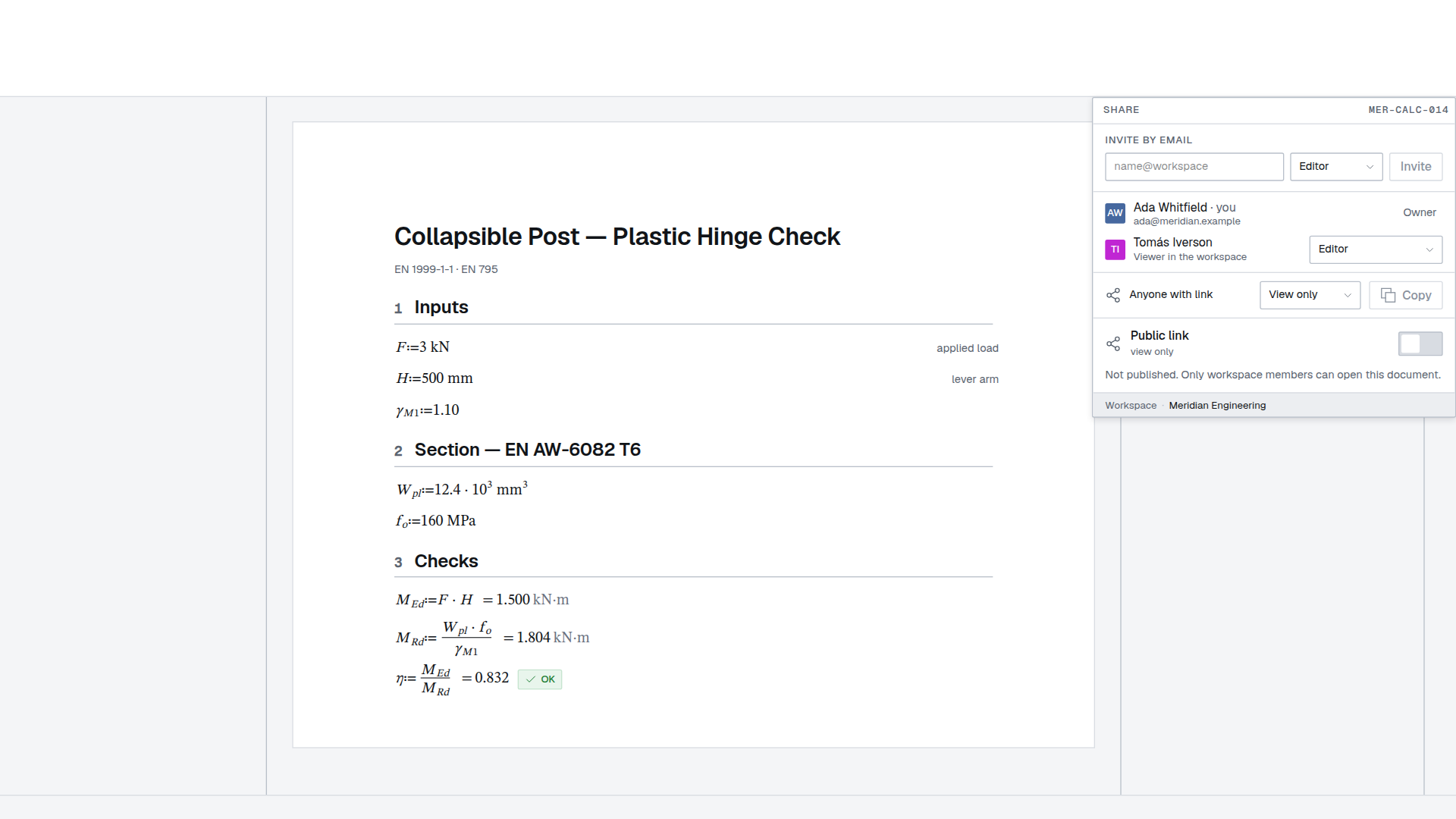
A read-only page with no account, rendered by the same print route.
The engine runs in your browser, so a sheet needs nothing installed. The same engine goes with the sheet when it leaves.
Pyodide, SymPy and Pint boot in a worker on your machine. Nothing is installed, and the numbers never leave the tab to be computed.
The standalone export packs the engine with the sheet. It opens from the filesystem with no account and no network, and the inputs still work.
A local bridge on your own Windows machine speaks OpenSTAAD and lands unit-bearing result tables in the sheet through MCP, each stamped with the run it came from.
An MCP connector — over stdio for Claude Code, remote for Claude's own connectors — with seventeen tools to validate, create, evaluate, edit and print a sheet.
A check that leaves your desk with a name on it. The sheet prints with the working visible, so the person who signs it can follow every step to the verdict.
Change one value and every result downstream re-evaluates. Nothing is a stale number waiting to be noticed, and the sheet says which results are still true.
A4 or Letter, real margins, real pagination, a title block. The printed page is the same object as the one on screen, and the PDF is the same again.
An engineering calculation is a document that has to be right, and a document somebody has to sign. Almost every tool treats those as two jobs.
A spreadsheet computes and cannot show its working: the formula is behind the cell, the units are a note in a neighbouring column, and the printed page is a screenshot of a grid. A word processor sets the page and computes nothing, so every number in it was copied from somewhere else and is true only until that somewhere changes.
So the work splits. The mathematics happens in one file and the record is typed into another, and the gap between them is where a wrong number lives — copied once, checked once, carried into a signed sheet.
Sheaf closes the gap by making the calculation the document. You write the mathematics; it evaluates as you type, the units are checked dimensionally, the figure is drawn from the same variables, and what prints is the object you were editing. One file, and the record is a by-product of doing the work rather than a second job after it.
The meter is never the math — calculating, checking units and printing are never metered.
No account until you want to keep it. The engine runs in your browser.
Open a blank sheetAll features